NVCurve
Linux NVIDIA GPU V/F Curve Editor & OC Tool
---
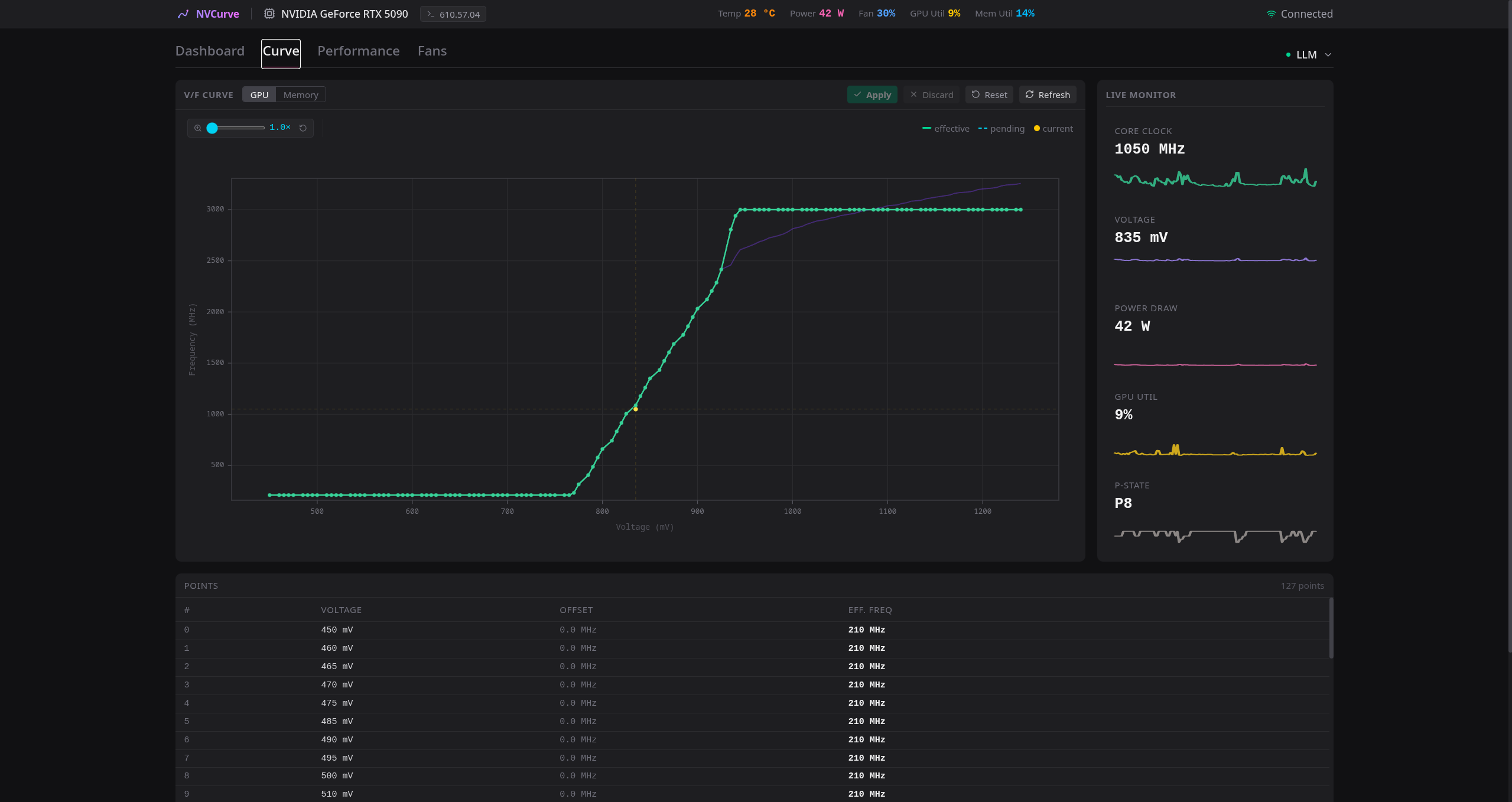
NVCurve brings MSI Afterburner-style per-point voltage-frequency curve control to Linux via undocumented NvAPI functions. A React web UI for interactive editing and monitoring; a Python CLI for scripting and headless use.
> [!WARNING]
> **Experimental software.** Undocumented NvAPI functions may change between driver releases. Write operations alter GPU operational parameters. Always run `nvcurve setup` before applying changes.
> [!IMPORTANT]
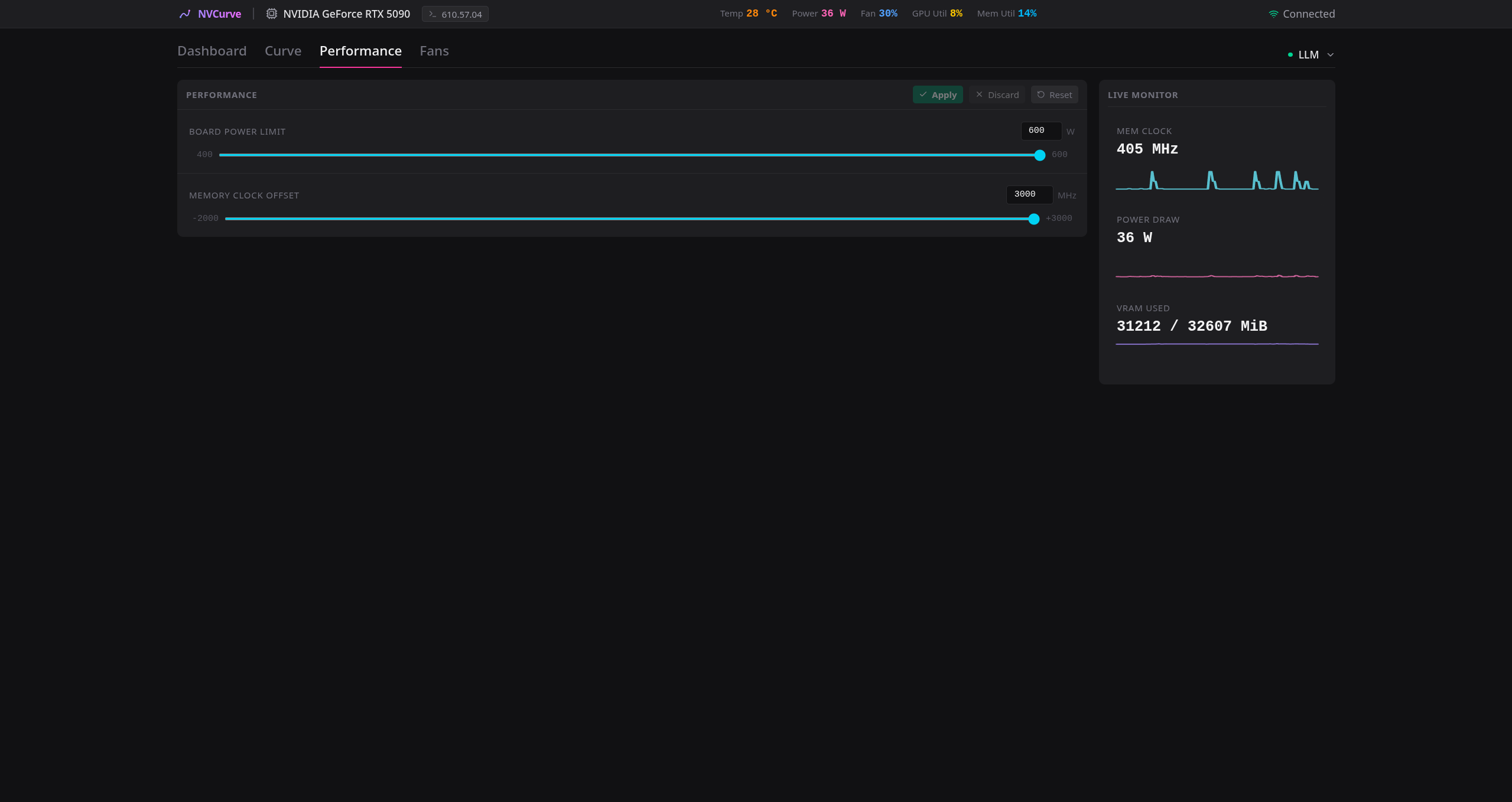
> **Blackwell GPU memory** — This is a specialized fork with extended memory offset support (up to +3000 MHz) for Blackwell GPUs (RTX 50-series). \
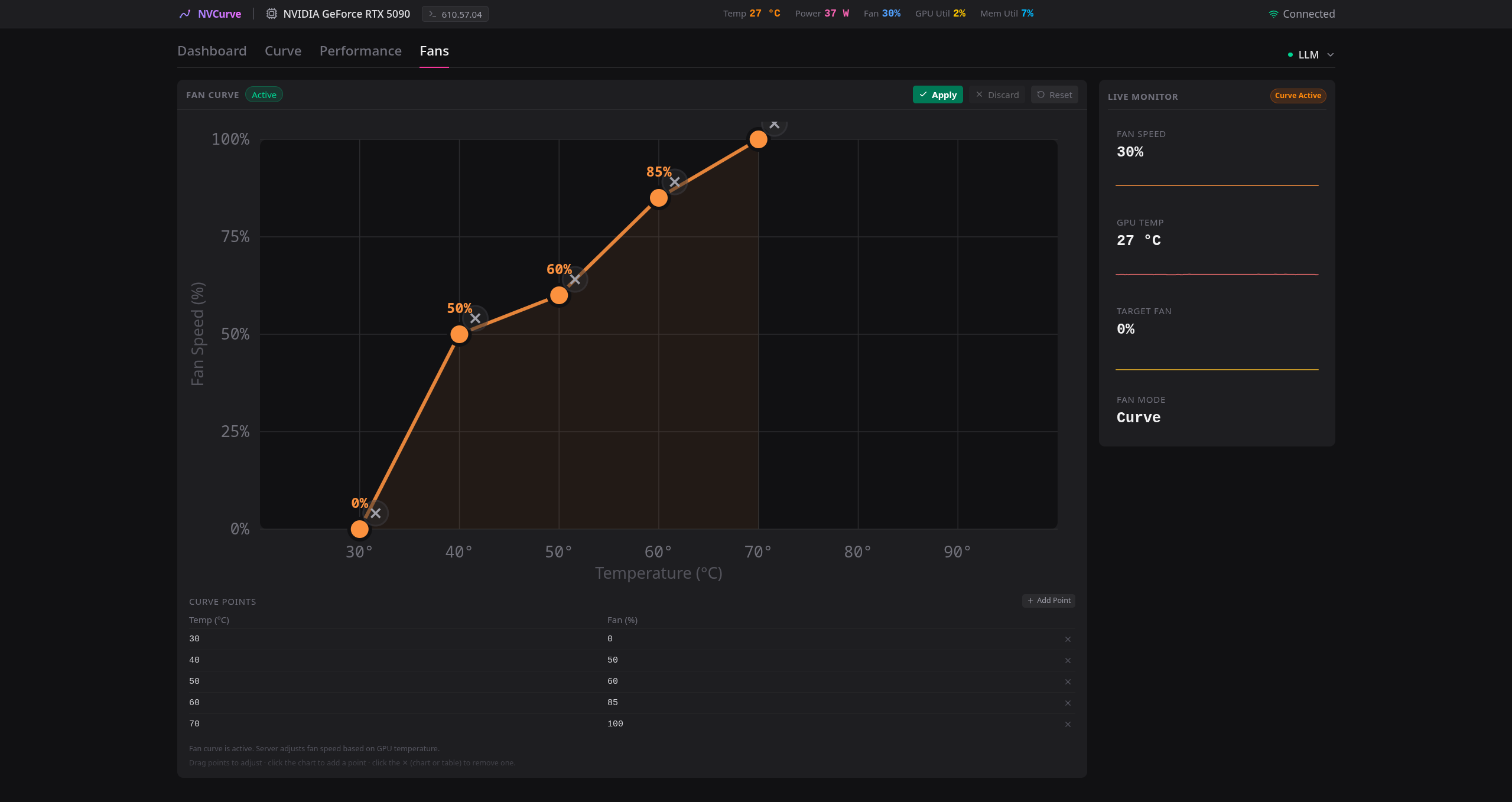
> **Fan Controls** — There is an additional "Fans" tab to setup a customized fan curve, controlling all fans or individual fans. \
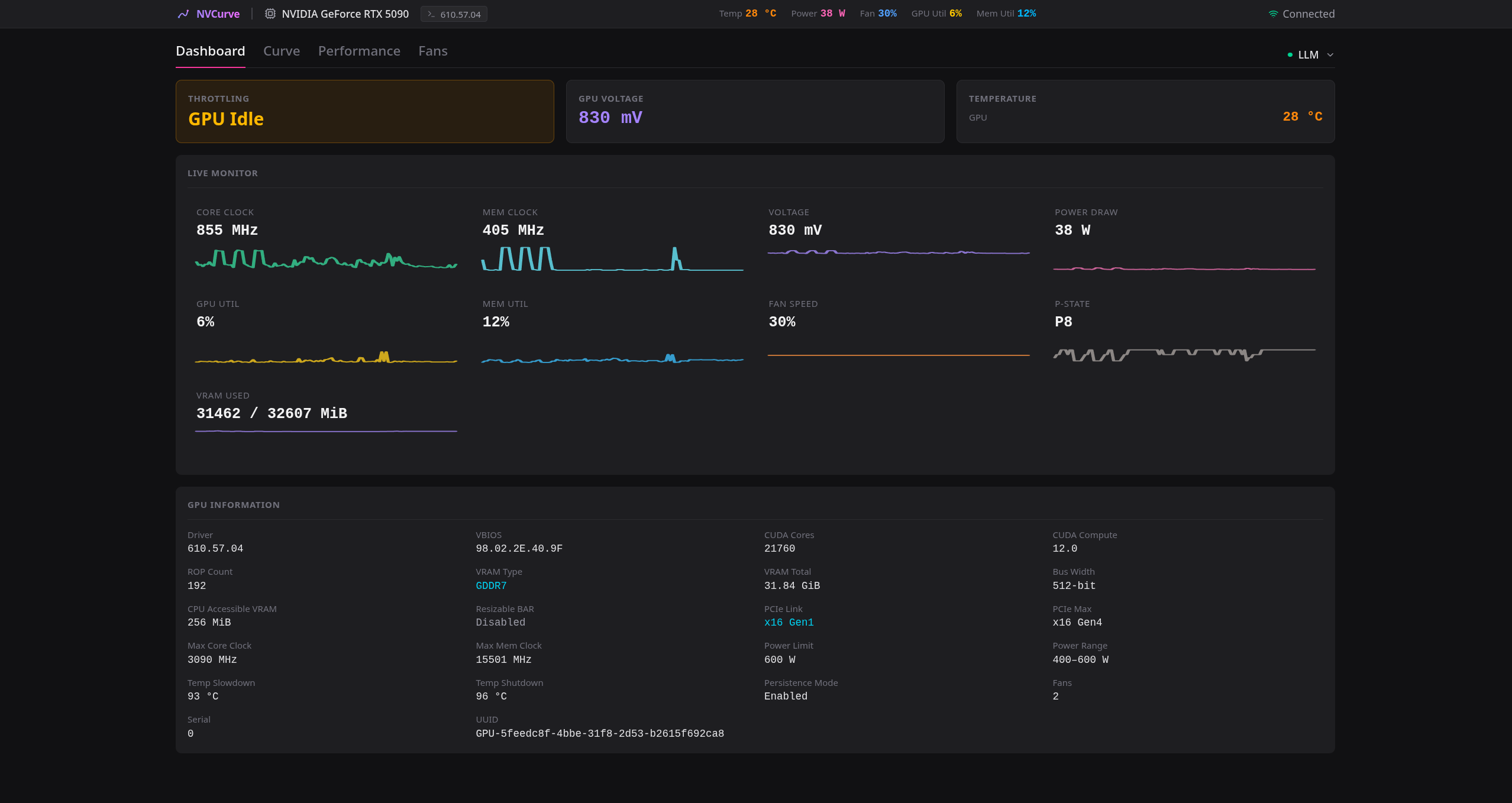
> **Dashboard** — The default tab is an Dashboard with additional information (PCIe link speed, VBIOS information, Max Core Clock, Throttle Reason and much much more.) \
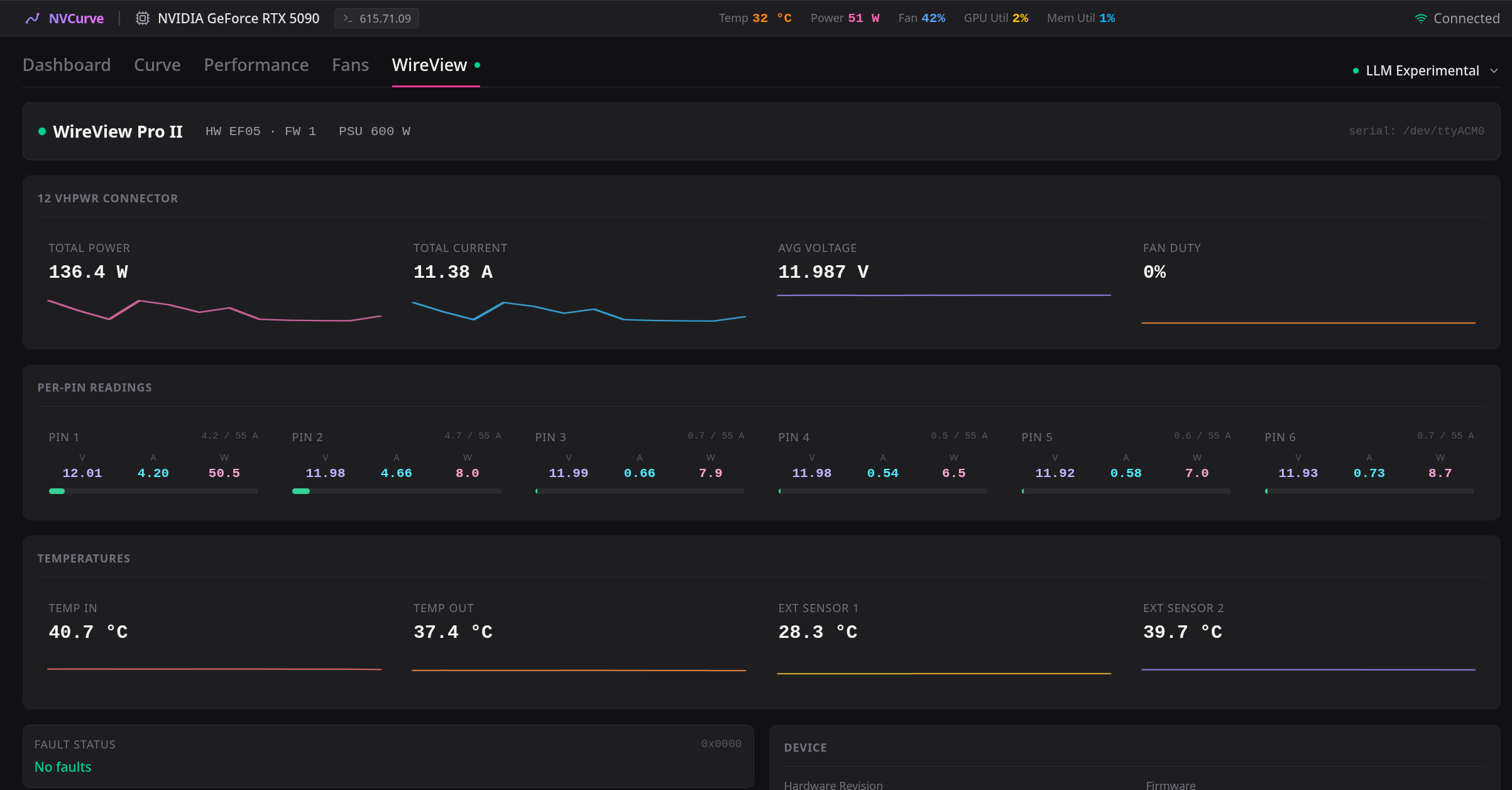
> **WireView Pro II** — Native monitoring of the Thermal Grizzly WireView Pro II 12VHPWR connector: a dedicated tab shows live temperature, power and current readings — no external exporter or kernel module required. The host needs a one-time setup (udev rule + port access, see [WireView Pro II Setup](docs/WireView.md)); after that the device is auto-detected over USB and the tab only appears while it is connected. \
> **Authentification** — For production deplyoment, I added authentification with bcrypt hashing to allow only one or multiple people to have access. \
> Installing the pre-built PyPI package will NOT include these features. You must build from source.