NVCurve Logo

NVCurve

Linux NVIDIA GPU V/F Curve Editor & OC Tool

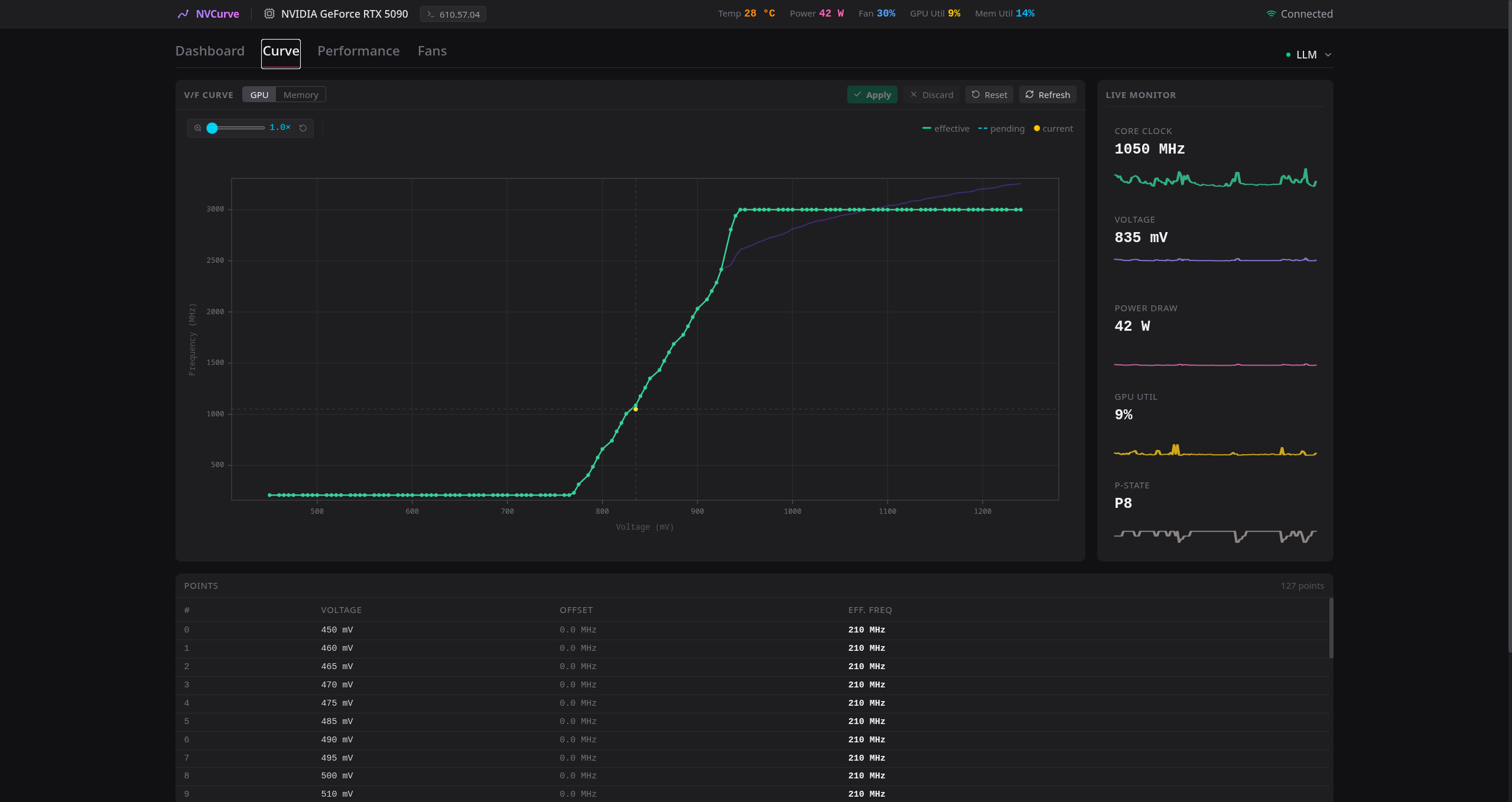
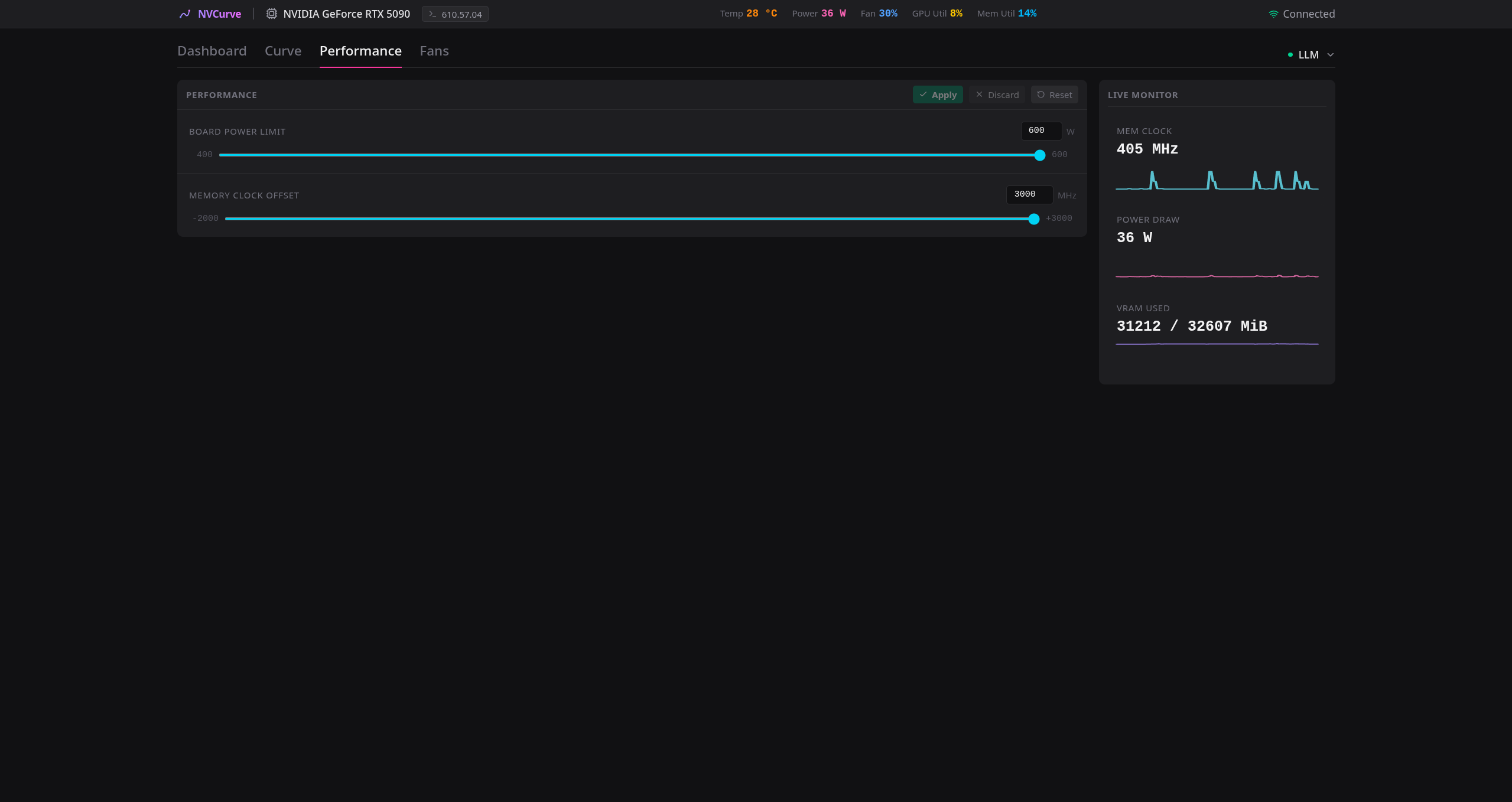
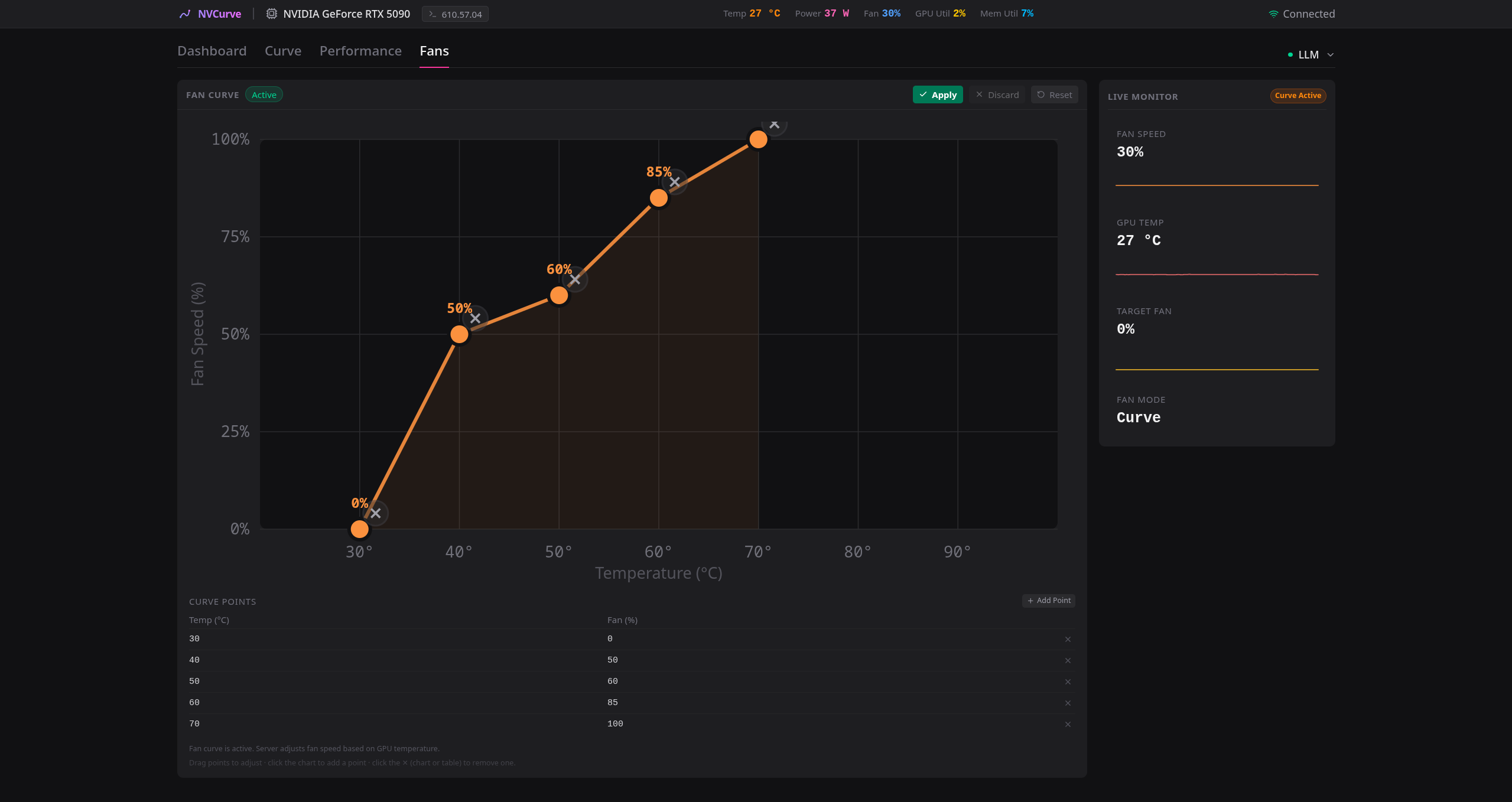
--- NVCurve brings MSI Afterburner-style per-point voltage-frequency curve control to Linux via undocumented NvAPI functions. A React web UI for interactive editing and monitoring; a Python CLI for scripting and headless use. > [!WARNING] > **Experimental software.** Undocumented NvAPI functions may change between driver releases. Write operations alter GPU operational parameters. Always run `nvcurve setup` before applying changes. > [!IMPORTANT] > **Blackwell GPU memory** — This is a specialized fork with extended memory offset support (up to +3000 MHz) for Blackwell GPUs (RTX 50-series). \ > **Fan Controls** — There is an additional "Fans" tab to setup a customized fan curve, controlling all fans or individual fans. \ > **Dashboard** — The default tab is an Dashboard with additional information (PCIe link speed, VBIOS information, Max Core Clock, Throttle Reason and much much more.) \ > **Authentification** — For production deplyoment, I added authentification with bcrypt hashing to allow only one or multiple people to have access. \ > Installing the pre-built PyPI package will NOT include these features. You must build from source.
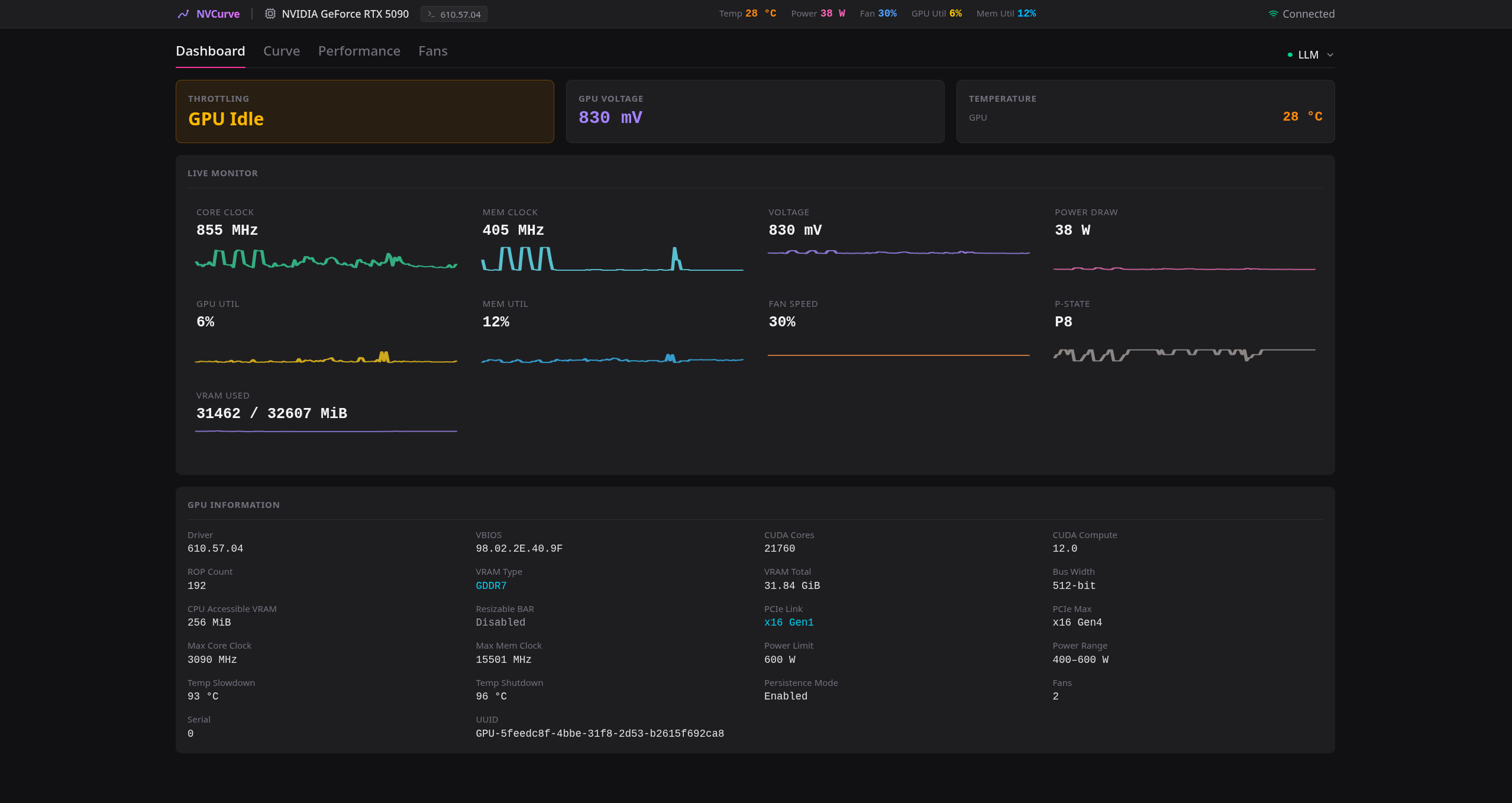
Dashboard Curve Editor
Performance Fans
## Prerequisites - **Linux** with NVIDIA proprietary drivers - **Python 3.12+** - **Node.js 18+** and **npm** (for building the React frontend) - **[uv](https://docs.astral.sh/uv/)** — Python package manager - **Root/sudo access** (required for GPU hardware interactions) ## Installation ### One-liner ```bash curl -fsSL https://gitea.zephyre.one/Pakobbix/nvcurve/raw/branch/main/install.sh | bash ``` The script checks prerequisites (installs `uv` if missing), clones the repo, and installs NVCurve — the React frontend is compiled automatically during the build. ### From a clone ```bash git clone https://gitea.zephyre.one/Pakobbix/nvcurve.git cd nvcurve ./install.sh ``` ### Direct from git (no clone, no script) ```bash uv tool install "git+https://gitea.zephyre.one/Pakobbix/nvcurve.git" ``` After installation, verify hardware compatibility: ```bash nvcurve setup ``` ## Getting Started ```bash nvcurve # Launch web UI at http://localhost:8042 nvcurve read # Quick curve read from CLI ``` ## Authentication (Multi-User) The server runs **open by default**. On a shared machine (e.g. an AI server), add users to require a login — the web UI then shows a sign-in screen and every API/WebSocket call is protected. Passwords are stored as **bcrypt** hashes; sessions last **24 hours**. ```bash sudo nvcurve user add alice # add a user (prompts for password) nvcurve user list # list users sudo nvcurve user remove alice # remove a user ``` Adding the first user enables authentication immediately; removing the last user disables it. See the [Usage Guide](docs/Usage-Guide.md#authentication-multi-user) for details. ## TLS (HTTPS) The server speaks **plain HTTP by default**. For network access (e.g. behind a reverse proxy or on a LAN), you can enable TLS so the web UI, API, and WebSocket all run over HTTPS — the session cookie is then marked `Secure`. ```bash # One-off (this server run only) nvcurve serve start --ssl-certfile /path/to/cert.pem --ssl-keyfile /path/to/key.pem # Persistent (stored in /etc/nvcurve/config.json; used by the daemon too) sudo nvcurve service configure --ssl-certfile /path/to/cert.pem --ssl-keyfile /path/to/key.pem ``` With TLS enabled the UI is at `https://:8042` and the CLI switches to `https://` automatically. A self-signed certificate works for local use (the browser will warn); for multi-user setups use a certificate your browser trusts (e.g. via your internal CA or a reverse proxy). ## Systemd Service Install the daemon for automatic profile loading on boot and optional web server auto-start: ### Install with web server auto-start ```bash nvcurve service install --auto-serve --host 0.0.0.0 --port 8042 ``` ### Install daemon only (start web server on demand) ```bash nvcurve service install ``` ### Manage ```bash nvcurve service start|stop|restart|status nvcurve service uninstall ``` ### Reconfigure ```bash nvcurve service configure --auto-serve # Enable web server auto-start nvcurve service configure --no-auto-serve # Disable web server auto-start nvcurve service configure --host 0.0.0.0 --port 8042 ``` ### Manual systemd Unit If you prefer managing the unit file directly, here is the template installed by `nvcurve service install`: ```ini [Unit] Description=NVCurve NVIDIA GPU V/F Curve Daemon After=nvidia-persistenced.service Wants=nvidia-persistenced.service [Service] Type=simple ExecStart=/usr/bin/python3 -m nvcurve daemon Restart=on-failure RestartSec=5 Environment=PYTHONDONTWRITEBYTECODE=1 [Install] WantedBy=multi-user.target ``` Place at `/etc/systemd/system/nvcurve.service`, then: ```bash sudo systemctl daemon-reload sudo systemctl enable --now nvcurve ``` ### Persistent Configuration The daemon reads settings from `/etc/nvcurve/config.json`: ```json { "host": "127.0.0.1", "port": 8042, "auto_serve": false, "max_delta_khz": 3000000, "auto_snapshot": true, "max_snapshots": 20, "ssl_certfile": null, "ssl_keyfile": null, "trusted_proxies": [], "allow_api_shutdown": true, "auto_load_profiles": { "idx:0": "my_profile" } } ``` | Setting | Description | | --- | --- | | `host` | Web server bind address (`0.0.0.0` for network access) | | `port` | Web server port (default `8042`) | | `auto_serve` | Auto-start web server on boot | | `max_delta_khz` | Safety cap for frequency offsets (default 3000 MHz). Enforced server-side; API clients cannot raise it per request | | `auto_snapshot` | Save snapshot before every write | | `max_snapshots` | Max snapshots to keep (`0` = unlimited) | | `ssl_certfile` / `ssl_keyfile` | TLS certificate/key — enables HTTPS when both are set (default: off) | | `trusted_proxies` | Proxy IPs whose `X-Forwarded-For` is trusted for the login lockout (e.g. `["127.0.0.1"]` for a local reverse proxy) | | `allow_api_shutdown` | Allow authenticated users to stop the server via `POST /api/shutdown` (set `false` on shared systems; use systemd instead) | | `auto_load_profiles` | Per-GPU profile to apply on boot (`{gpu_key: profile_name}`) | The GPU key can be a UUID, `pci:XXXX`, or `idx:N` fallback. Find your GPU key with `nvcurve gpus`. ## Documentation - **[Overview](docs/Overview.md)** — What it does, capabilities, architecture - **[Installation](docs/Installation.md)** — Prerequisites, source build, troubleshooting - **[Usage Guide](docs/Usage-Guide.md)** — Web UI, CLI reference, systemd service - **[Tips and Tricks](docs/Tips-and-Tricks.md)** — Workflows, curve flattening, safety ## Upgrading ```bash cd nvcurve git pull uv tool install --force . ``` The frontend is rebuilt automatically if it is missing or older than the frontend sources. If you modified frontend code locally, run `make frontend` first (or `rm -rf frontend/dist`). If running as a systemd service: ```bash nvcurve service restart ``` ## Changelog See [CHANGELOG.md](CHANGELOG.md).